the way an audio player ought to be, yo!
You’ve got audio files saved to your device, now what? With intuitive, useful, and powerful features, Oughtyo makes audio playback a cinch. Import a file, tap it, and you’re listening. Everything else stays out of the way until you want it.
Oughtyo is an audio player designed with a single purpose: you’ve got local audio files, and you want a nice, simple app with useful features to play them in. Audiobooks, lectures, long recordings, a pile of chapter files that should have been one book — if it’s audio you already own, Oughtyo is built to play it.
There are a lot of audio players available on the App Store, but after trying many (many, many, many) of them, we came away with the following takeaways:
Very few of them make it painlessly simple to add a locally saved audio file and play it back. Getting a file from the Files app onto a play button should take a tap, not a project.
The ones that do tend to cost more than a simple audio player is worth, or they keep the useful parts behind a subscription.
The typical user experiences are cumbersome, convoluted, and confusing. They’re littered with settings and ads and distractions, when all you wanted was the next chapter.
Most of them don’t look like modern iOS apps. They feel like they were built for a different decade.
So we set out to make our own app, which would fix those problems. It needed to be so easy to use that anyone could figure out what to do. It needed to have a robust feature set, but also a feature set that gets out of your way and just does its job — leaving you with a great listening experience for your content.
Here’s what that looks like.
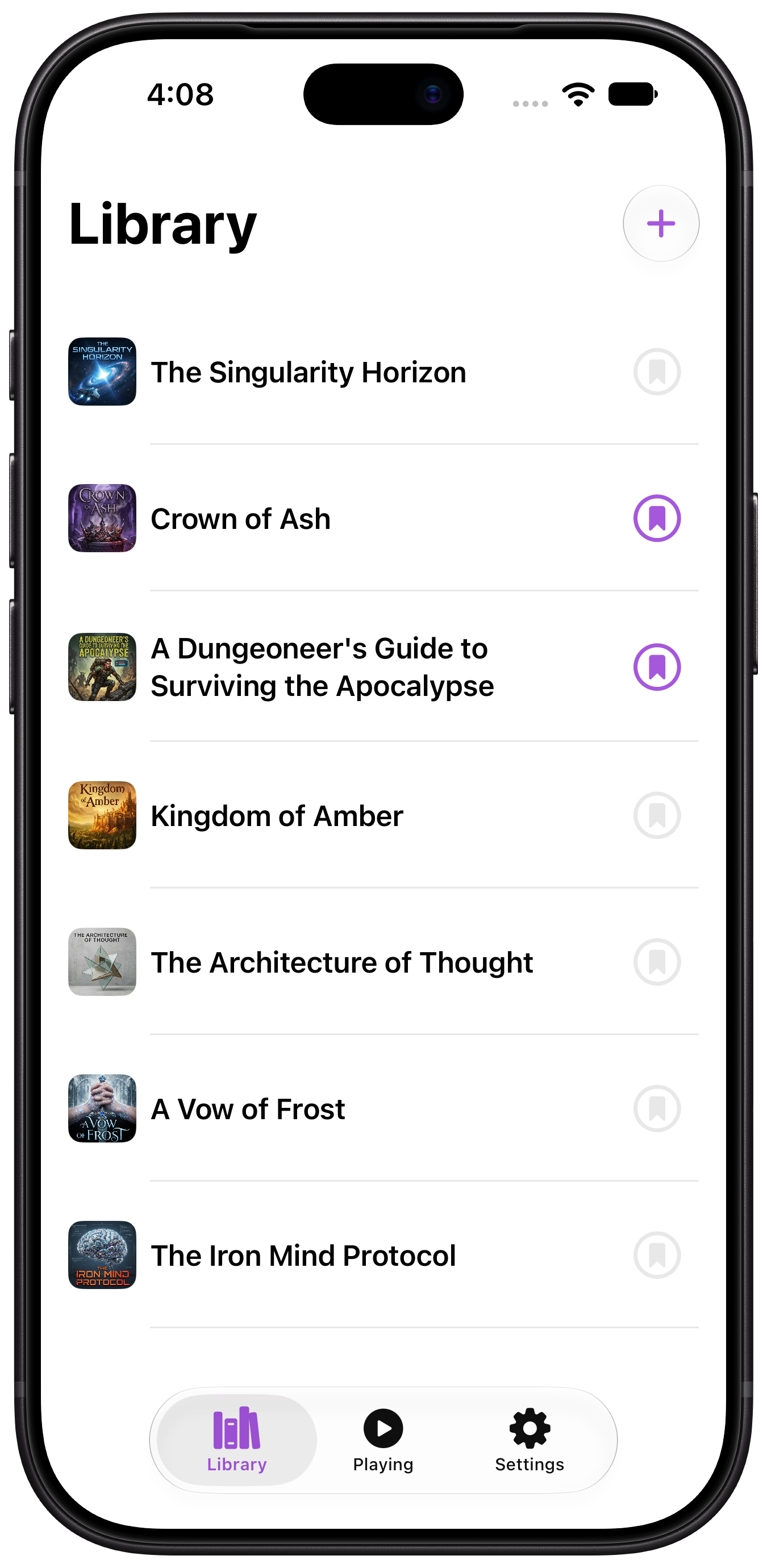
Your Library
Oughtyo works with the Files app. Tap + at the top of the Library and pick one file or several. Oughtyo copies them into its own storage, so the originals stay put. Renaming or deleting something inside the app never touches the file you imported.
It plays the formats you already have: MP3, M4A, M4B, AAC, WAV, AIFF, and more, including FLAC. Tap a row and it starts.
The library is yours to arrange. Drag files into the order you want. Swipe a row to rename it, or to remove it from Oughtyo. In Settings you can give the library its own name, so the screen says what you call your collection.
Playback
Play and pause are the start. The rest shows up when a long file needs it.
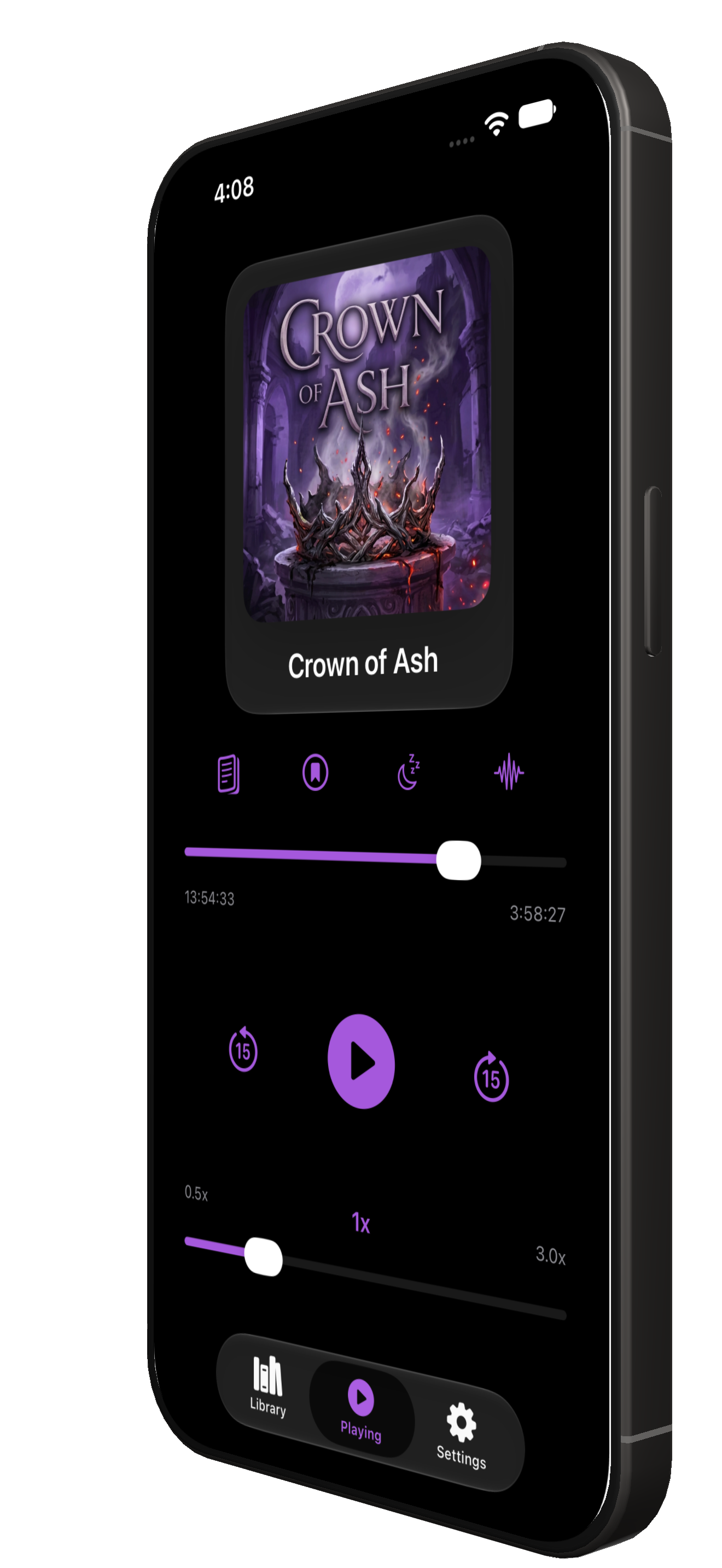
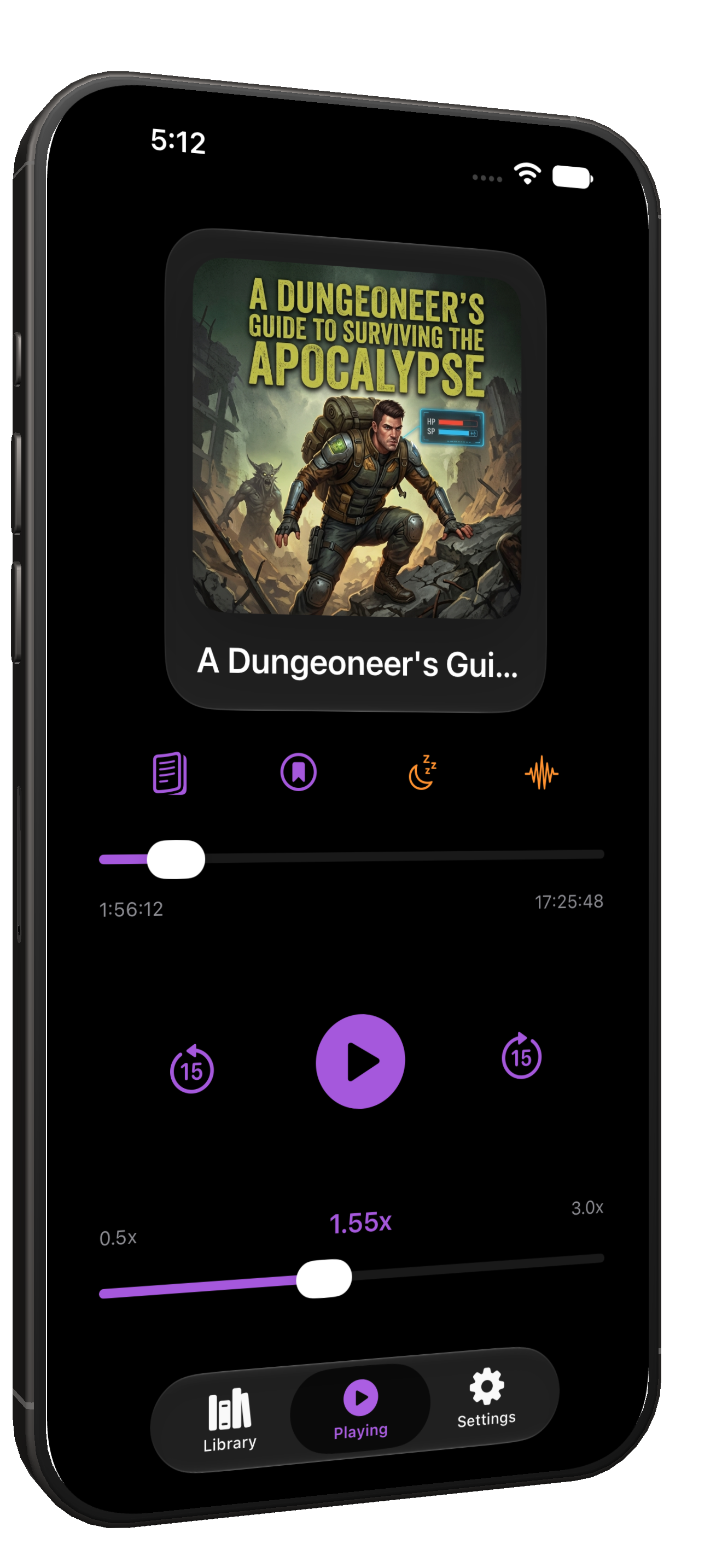
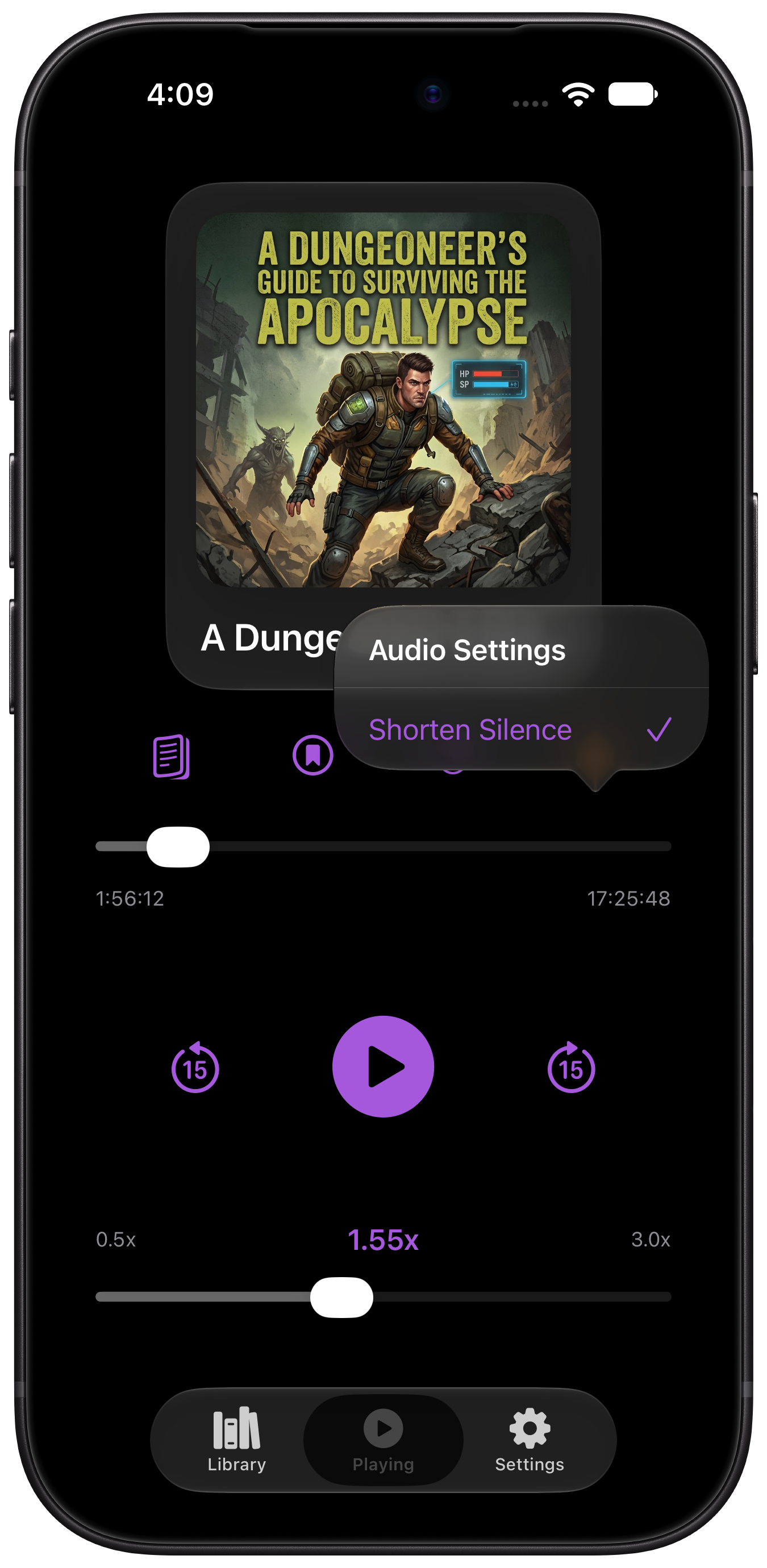
Playback speed runs from 0.5× to 3.0×, and Oughtyo remembers the speed for each file. A lecture can stay fast. A novel can stay closer to the narrator’s pace.
The time on the progress bar starts as time left in the file. Tap it, and it switches to estimated time remaining at your current speed, so “40 minutes left” means 40 minutes of your evening.
Shorten Silence compresses the quiet parts without cutting the words. Long stretches of dead air get shortened hard. Breaths and natural pauses get a lighter touch, so speech still sounds like speech.
If the file has chapters, the Chapters button turns the artwork around and shows the list. Tap a chapter and playback jumps there.
Bookmarks & Transcriptions
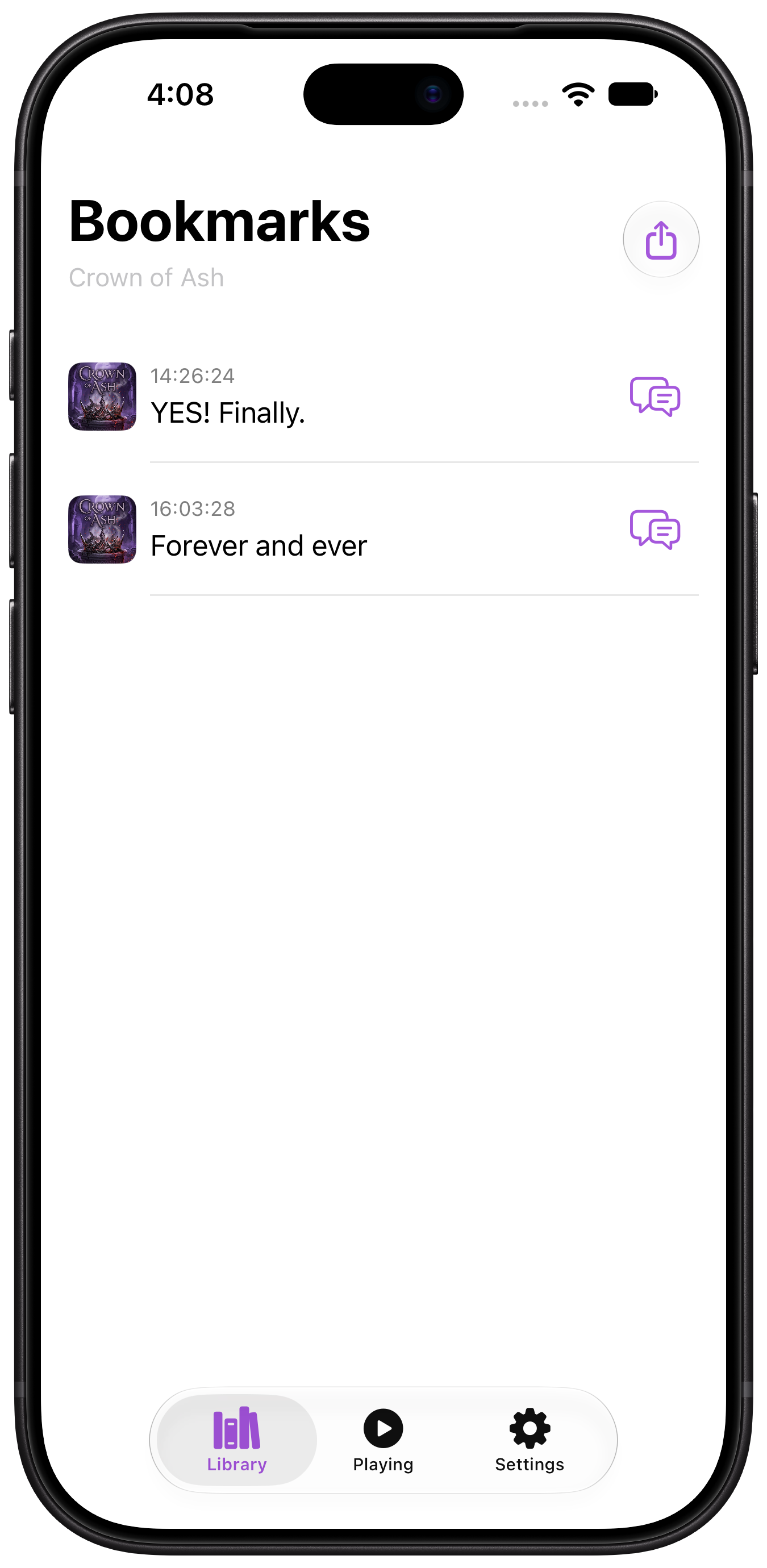
A bookmark saves the moment you’re in. You can add a short note about why it mattered — a character, a definition, a line you want to come back to.
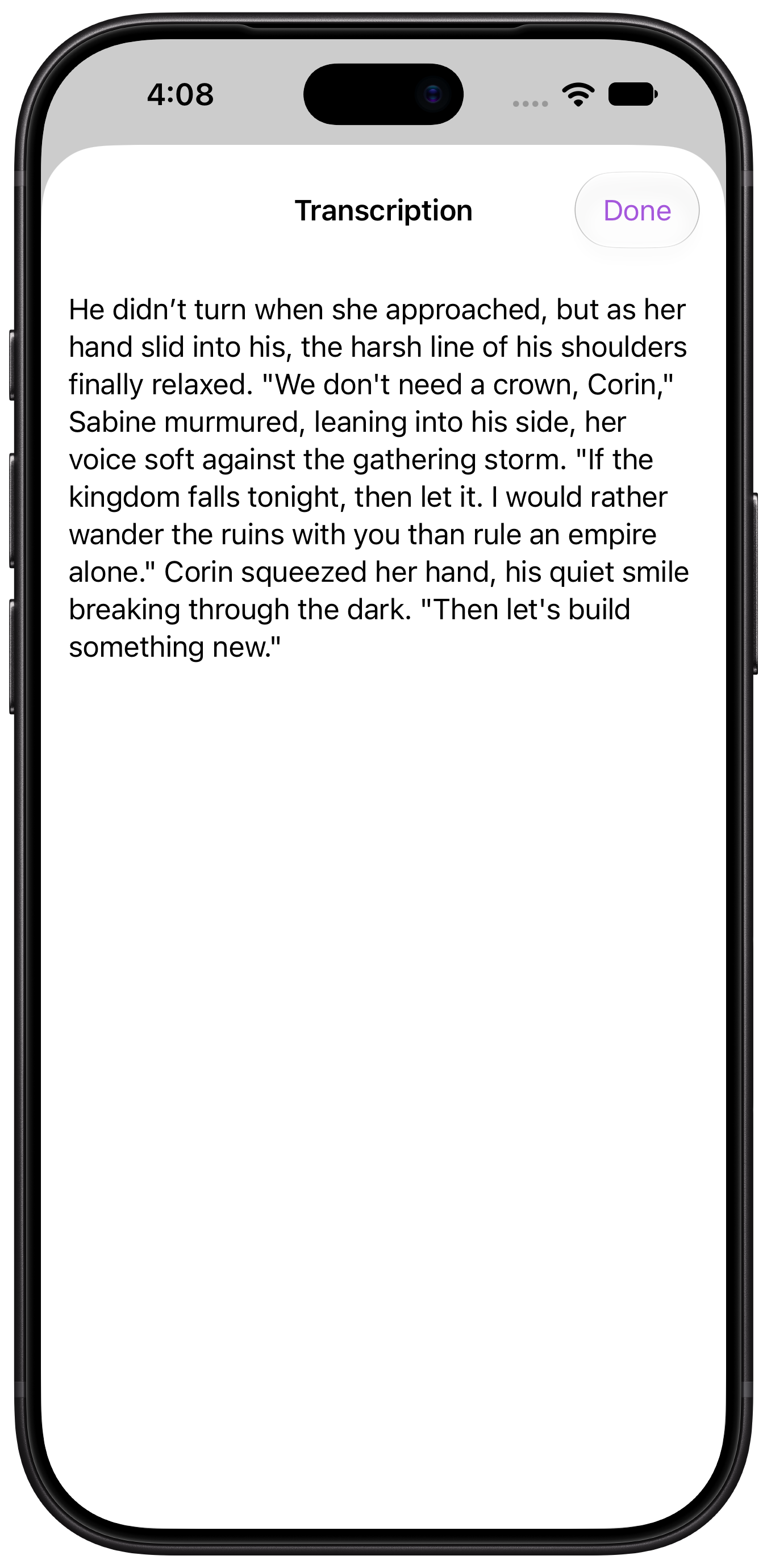
On iOS 26 and later, Oughtyo also writes a short transcript of the audio around that spot, on your device. It keeps the words from just before you tapped and a little of what came after, so the bookmark holds the passage itself. Come back a week later and you can read what was being said, tell two similar scenes apart, and find the exact line without scrubbing through the chapter to hear it again. In a lecture, the explanation is sitting there in text. In an audiobook, you leave with the sentence, ready to quote.
Open a title’s bookmarks from the library. Read the note, read the transcript, or jump back to that timestamp and keep going. When you want those words outside the app, share a .txt of the timestamps, notes, and transcripts — a book club, a study group, or a line you don’t want to lose.
Collections
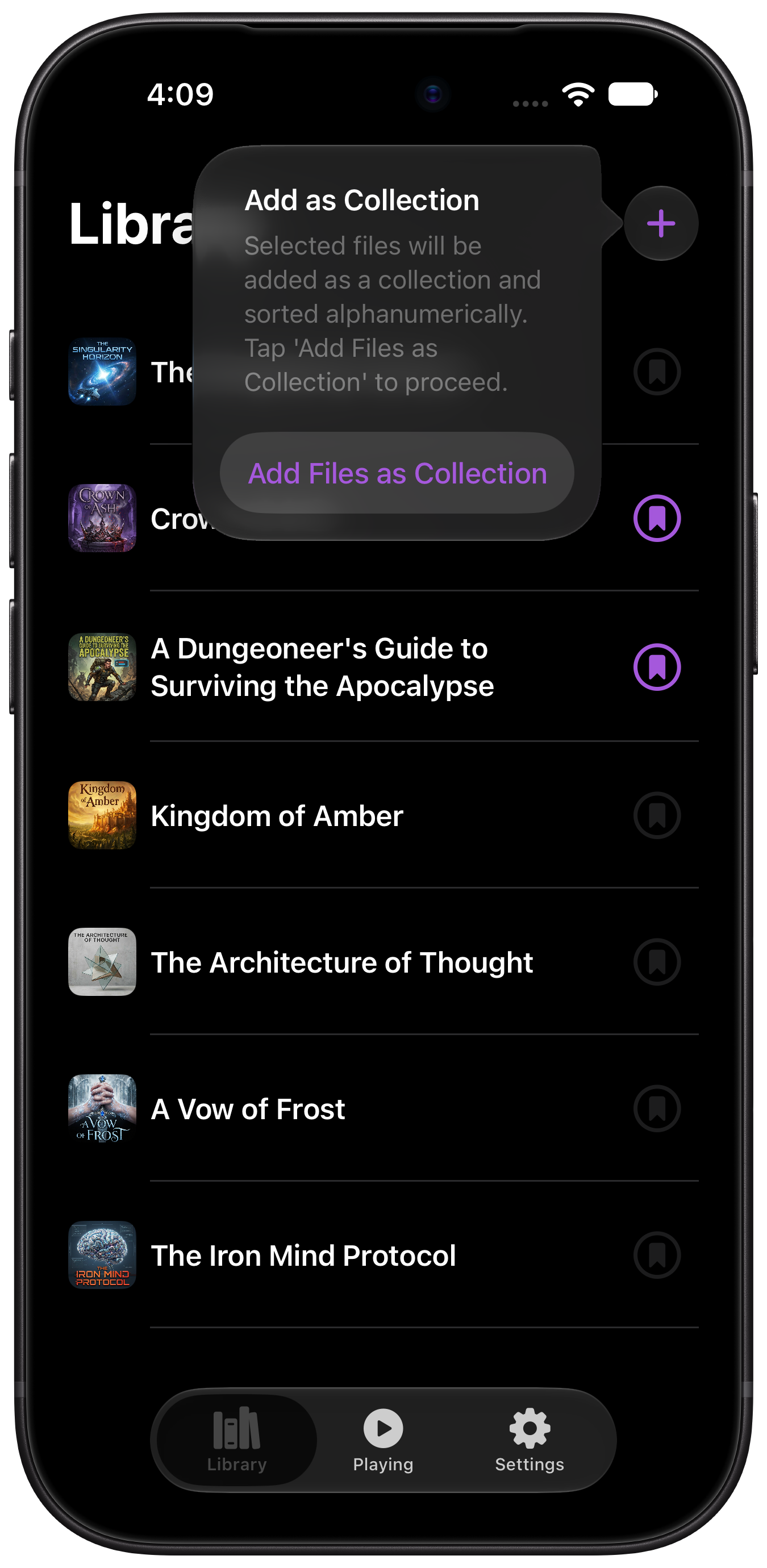
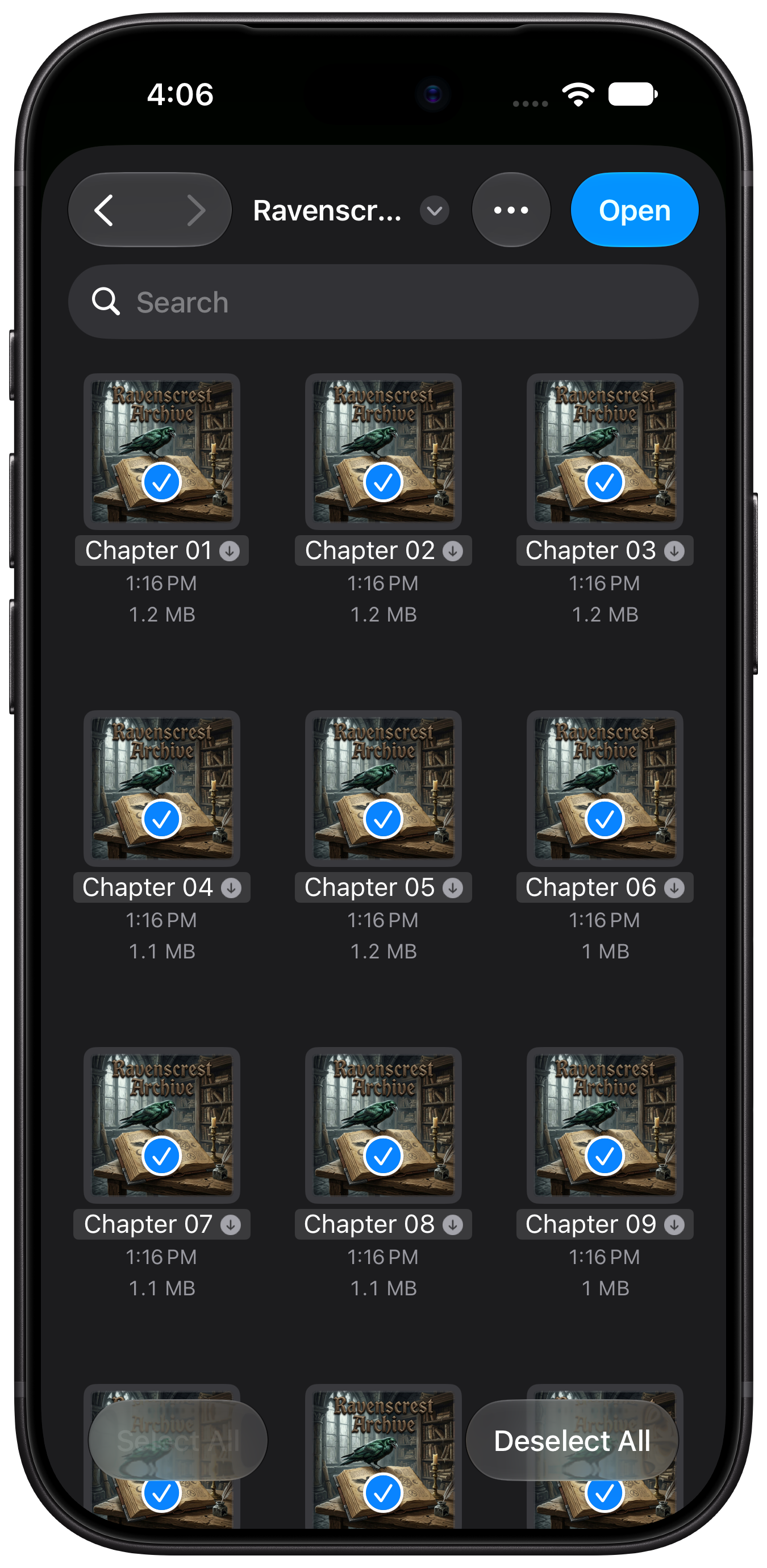
Some audiobooks and lecture series arrive as a pile of separate files. Long-press + and import them together as a Collection. Oughtyo treats that pile as one library entry, an invisible playlist, so twenty chapters don’t take over the list. Files join in alphanumeric order, so name them the way you want them to play before you import. One file can belong to more than one collection.
How you actually listen
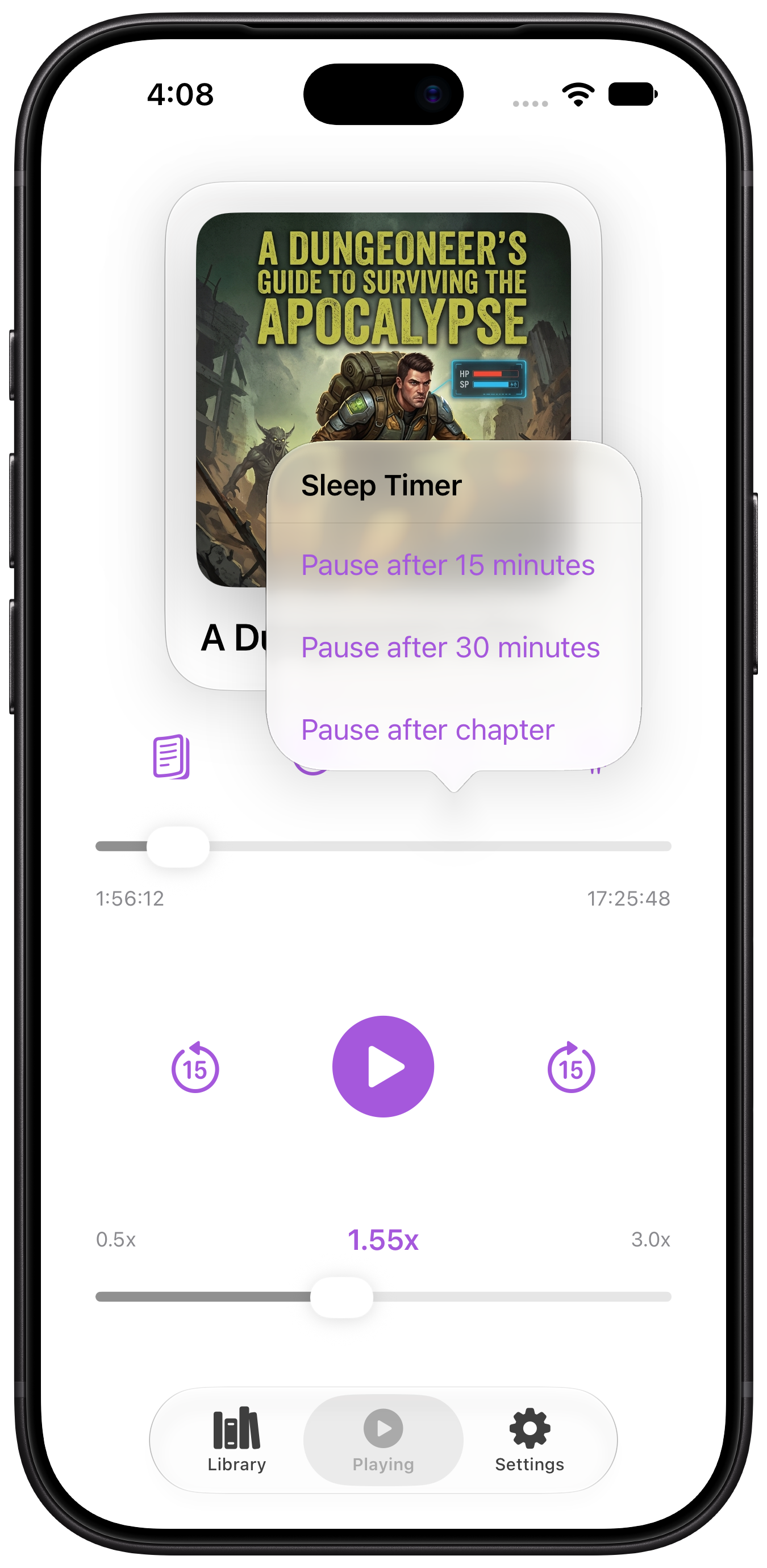
The sleep timer pauses after 15 minutes, 30 minutes, or at the end of the current chapter when the file has chapters.
Playback keeps going with the phone locked, or while you’re in another app.
Your files stay on your device. There’s no account to make, and no ads between you and the play button.